Smart Classroom Infrastructure
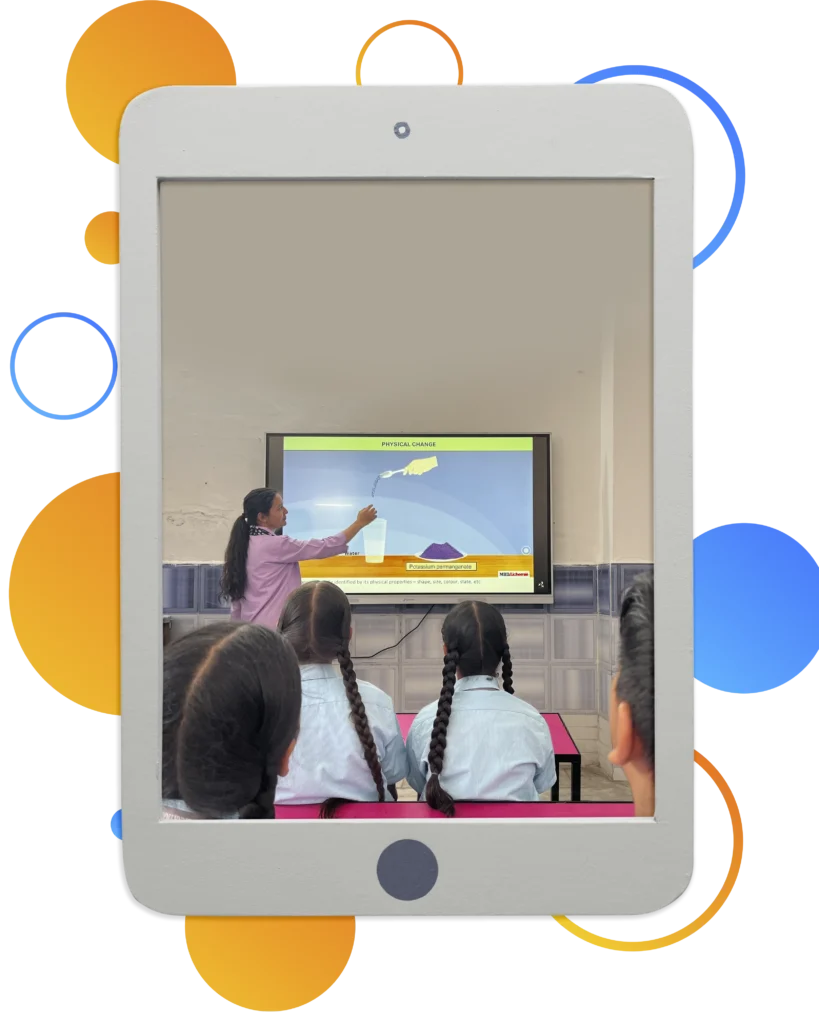
Different Ages. Different Learning Needs.
A five-year-old and a fifteen-year-old learn very differently.
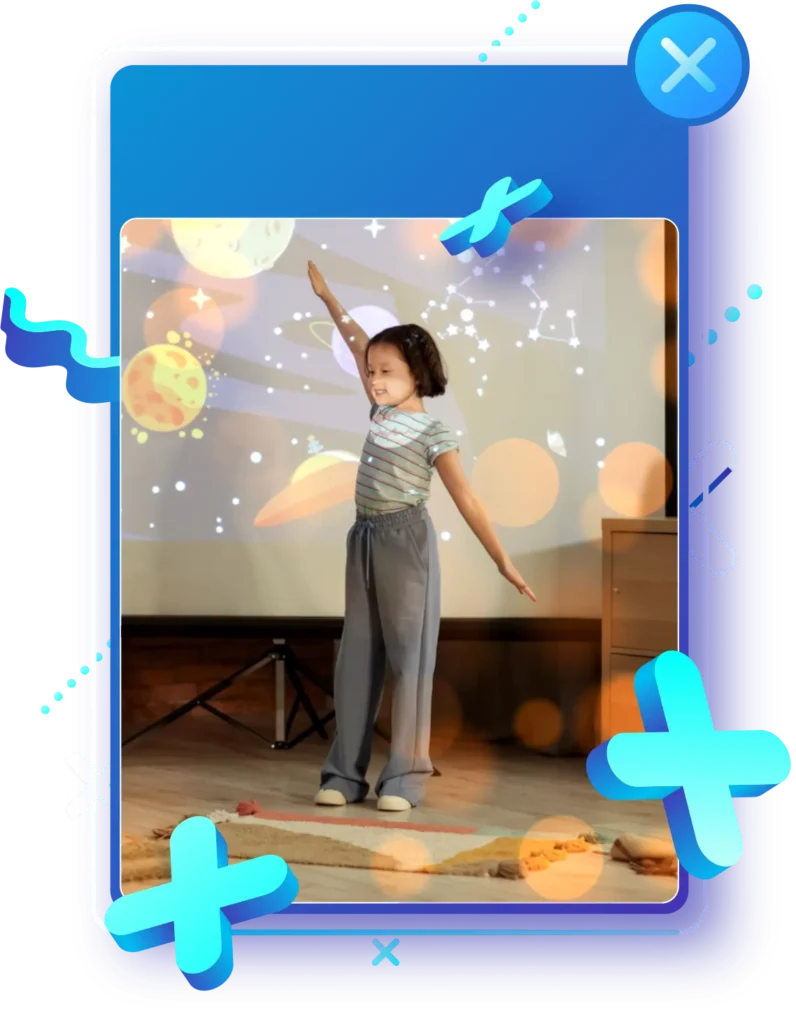
Young learners benefit from colourful visuals, storytelling, songs, animations, and interactive activities that stimulate curiosity and imagination.
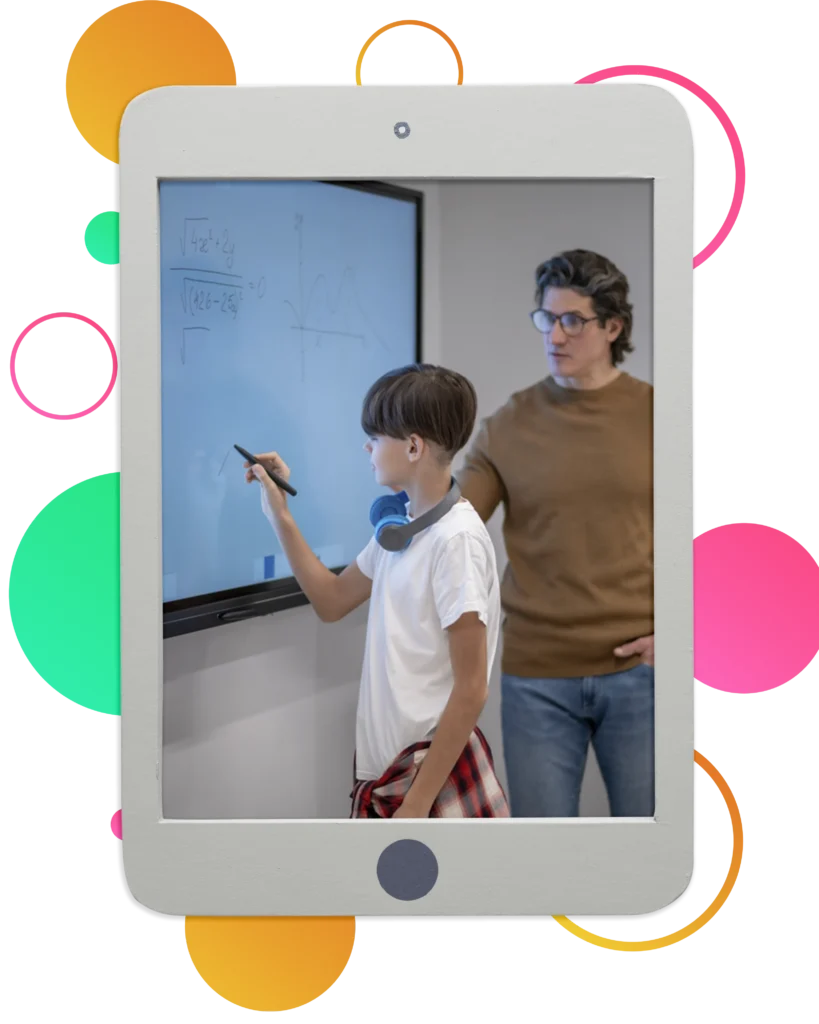
Older students require conceptual demonstrations, simulations, virtual experiments, subject-specific presentations, documentaries, and multimedia resources that simplify complex ideas and connect classroom learning with the real world.
That is why we have created two dedicated Smart Classrooms—one thoughtfully designed for our Junior Wing and another for our Senior Wing. Each space is tailored to the developmental needs, attention span, and learning styles of its age group, ensuring that technology complements, rather than dominates, the learning experience.
Separate Smart Classrooms ensure that every child experiences age-appropriate digital learning in an environment designed specifically for them.
The Junior Exploration Hub (Primary & Junior Wings)
Young minds learn through their senses. They need to see, hear, move, and touch to build permanent cognitive pathways. The Junior Smart Classroom transforms passive listening into active, multi-sensory discovery.
Infrastructure Highlights
- Large Interactive LED Display / Smart Board
- High-Resolution Multimedia Projection System
- Integrated Audio System for Clear Sound
- Computer with Smart Classroom Software
- High-Speed Internet Connectivity
- Curriculum-Aligned Digital Learning Content
- Child-Friendly Ergonomic Seating Arrangement
- Bright, Spacious & Colourful Learning Environment
- Well-Lit and Properly Ventilated Classroom
- Safe Electrical Installations with Child-Friendly Design
- Dedicated Teacher Control Station
- Facility for Audio-Visual Presentations and Storytelling Sessions
- Space Designed for Interactive Group Activities
The Senior Innovation Lab (Middle & Senior Wings)
This space replicates modern, agile corporate and research environments, preparing students for global careers.
Infrastructure Highlights
- Large Interactive Smart Board / LED Display
- High-Definition Multimedia Projection System
- Premium Audio System
- Dedicated Computer with Educational Software
- High-Speed Internet Connectivity
- Audio-Visual Teaching Resources
- Digital Simulations & Virtual Learning Modules
- Presentation and Seminar Facilities
- Comfortable Classroom Seating for Interactive Sessions
- Bright, Well-Lit Learning & Well-Ventilated Space
- Reliable Power Backup for Uninterrupted Sessions
- Whiteboard Integration for Blended Teaching
- Space for Collaborative Discussions and Subject Demonstrations
These technology-enabled learning environments support interactive lessons through multimedia presentations, educational videos, animations, virtual demonstrations, and curriculum-aligned digital resources that make abstract concepts easier to understand and lessons more engaging. Because when the learning environment is designed with purpose, every lesson becomes more engaging, more interactive, and more memorable.